Showing posts with label craft robo. Show all posts

Sunday, July 27, 2008

Messing around with Inkscape Again:

Someone asked on the CRFun Yahoo Group to help her with a file.


It intrigued me to try to help her. My first try was interesting, but it does include the Eyes & Mouth. I'll include the link to download - but you will want to clean it up a bit. It cuts very delicately, and I doubt I would make it smaller....lol HERE is the link to the GSD.

My Second try I like better - its more simplified and no eyes and mouth!! lol I can see me actually using this one! HERE Is the link for that. If fact I would recommend this file before the first one.

Feel free to share the link to the file, and if you use it, link it to the comments - I'd love to see your work!

Enjoy!

Friday, October 19, 2007

Sharing a GSD File I made

Finally found it!! LOL I have way to many. This is a title, in three pieces, "Best Friends Forever" Cuts ok, its a little dainty in spots. This was my very very first GSD file!! LOL I had created it for this LO.

sns-contest-072907.jpg

You can find the link here. Please leave a comment if you like it! Thanks!!

Thursday, October 4, 2007

The {21} Challenge - Day NINETEEN

Two more days People!!! We can do this!!!

Photo Sharing and Video Hosting at Photobucket

So on the SNS Board Martina wanted a visual of how to draw with the wishblade. This is my "creativity" today. HaHa. Walked Lucy and Creative Work - Cha-Ching {21 Challenge} Woohoo!!!

OK Here it Goes:

I ran across this tutorial for the Wishblade. Its by Sandy McCauley. You can find it HERE. Its in PDF Form. Its called "Wishblade 203 - Using the Pen Holder . pdf" It made me actually try to figure out how to use my Wishblade for drawing. Once again Thank you Sandy!! You Rock!!So Go Read The tutorial!!!

Then Here are my Photos!

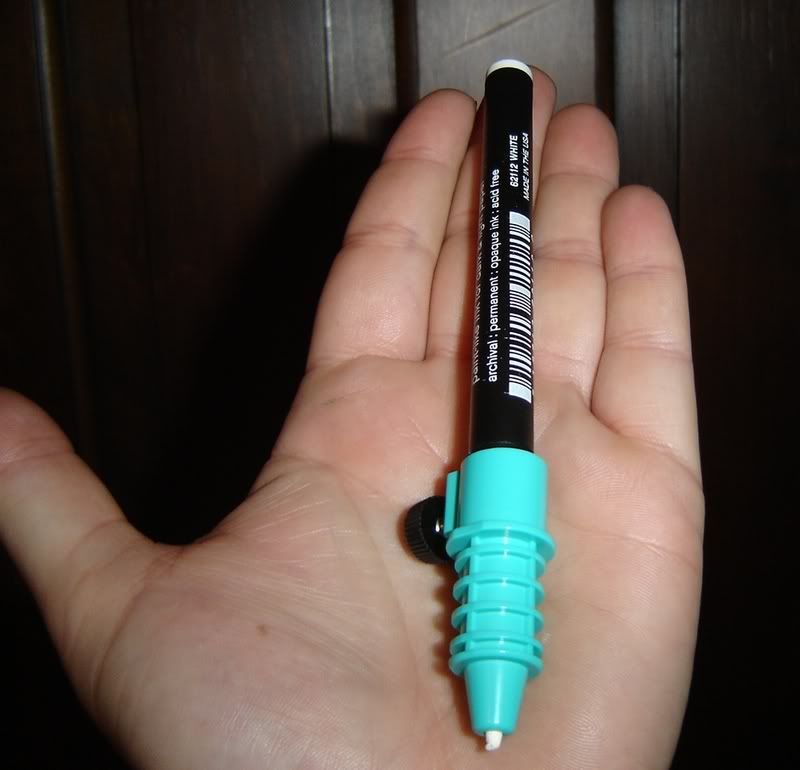
This one shows you what the pen looks like, inside the holder:

Photo Sharing and Video Hosting at Photobucket

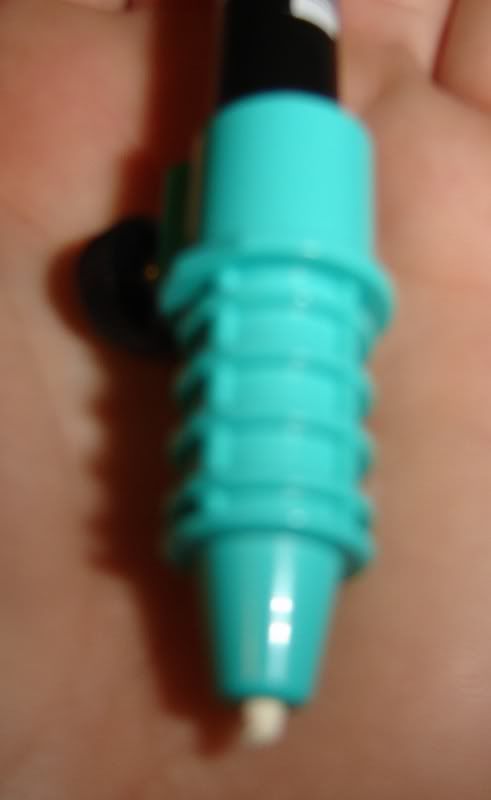
This is just a blurry photo, trying to show you that the tip of the pen sticks out:

Photo Sharing and Video Hosting at Photobucket

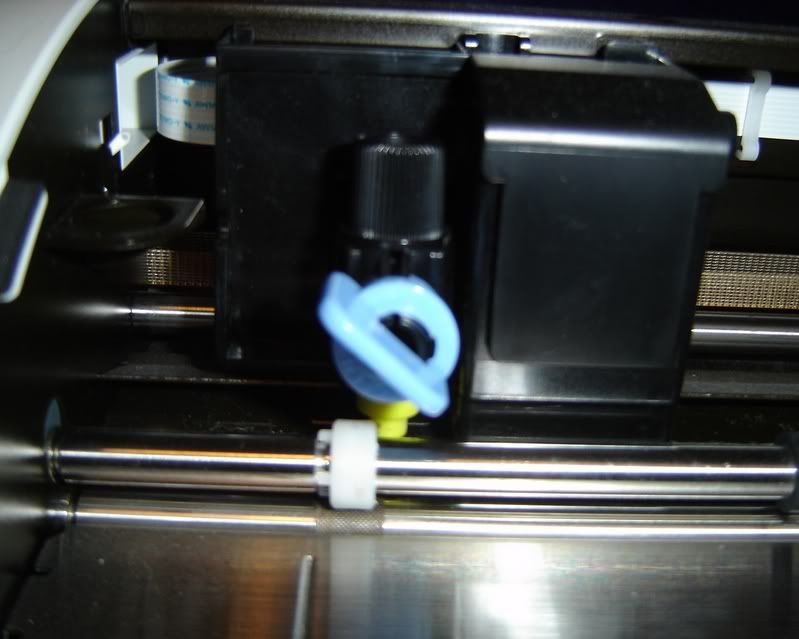
This is showing how you remove the blade, and insert the holder:

Photo Sharing and Video Hosting at Photobucket

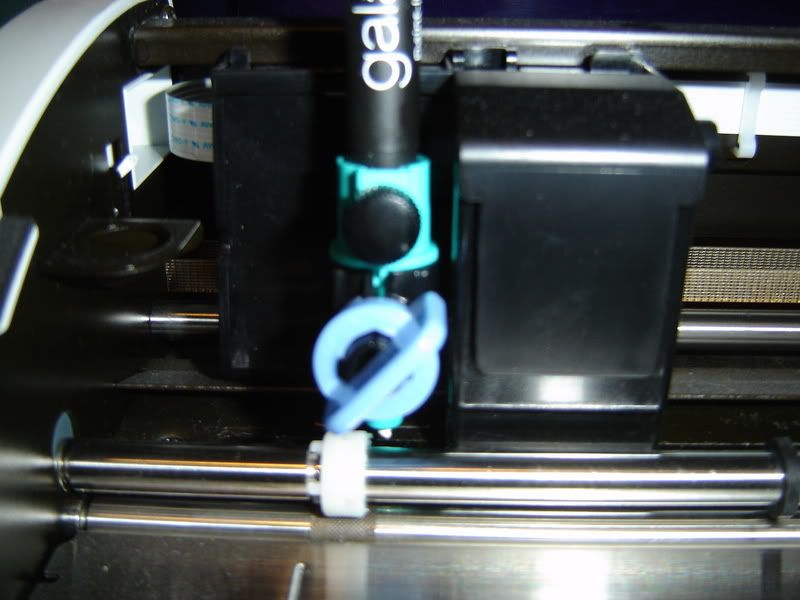
Basically - take out the blade, (black thing-a-ma-bobber too), and insert the green pen holder! Sometimes I have to press "firmly" to get it in!

Photo Sharing and Video Hosting at Photobucket

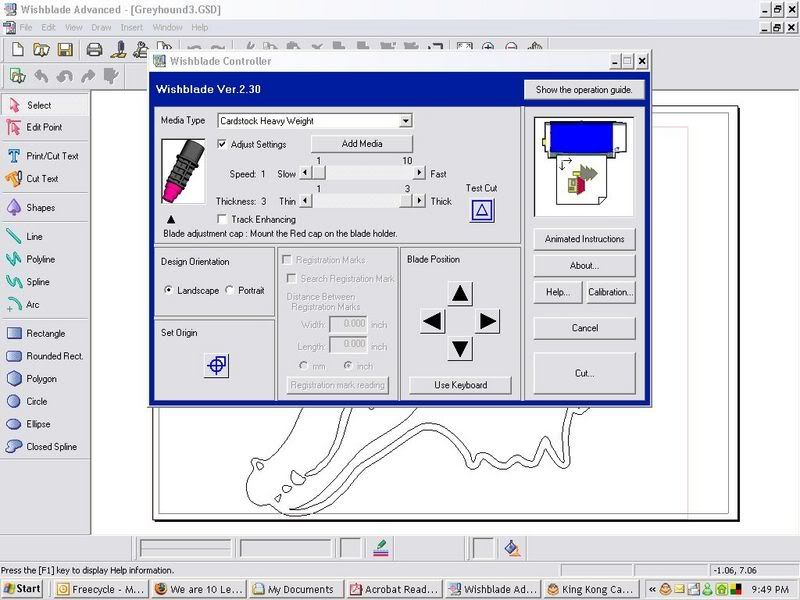
This is a screen shot - shows you the settings I used. Heavy Cardstock, Slow speed. (1):

Photo Sharing and Video Hosting at Photobucket

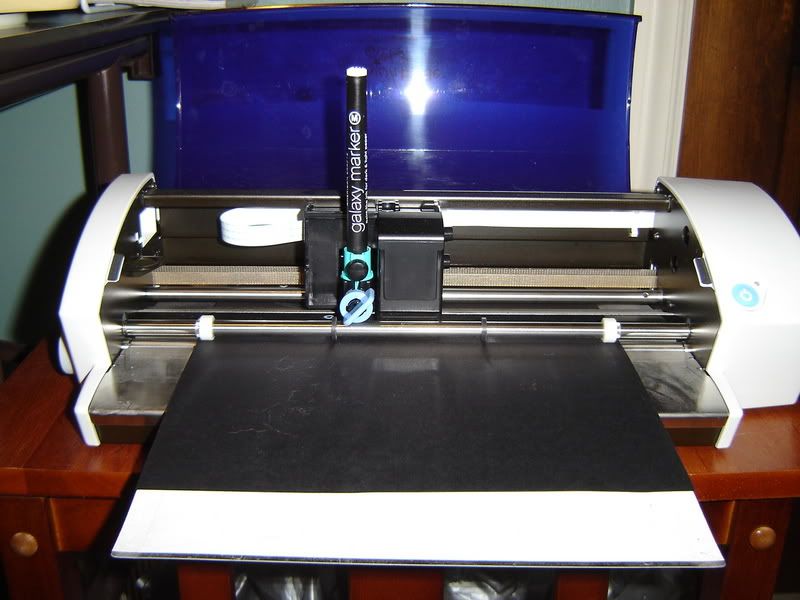
This is the Pen in Action:

Photo Sharing and Video Hosting at Photobucket

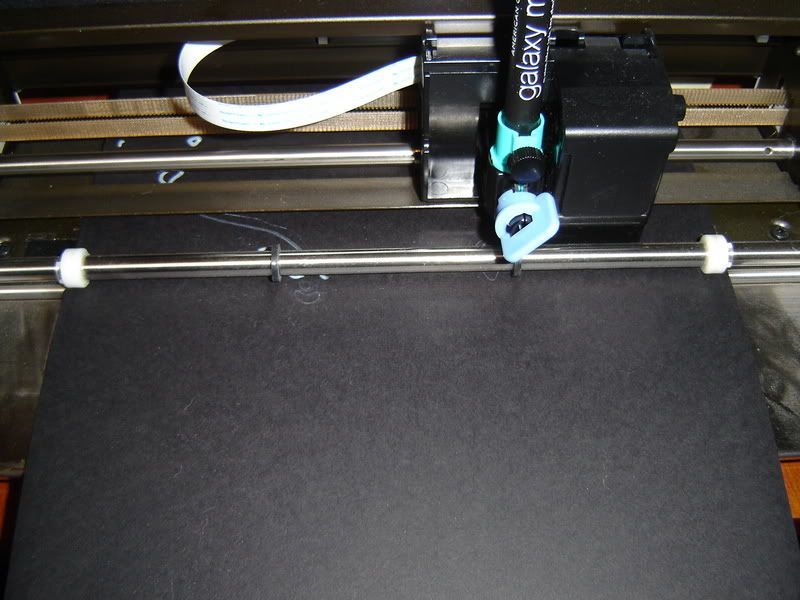
Another Pen In Action Photo:

Photo Sharing and Video Hosting at Photobucket

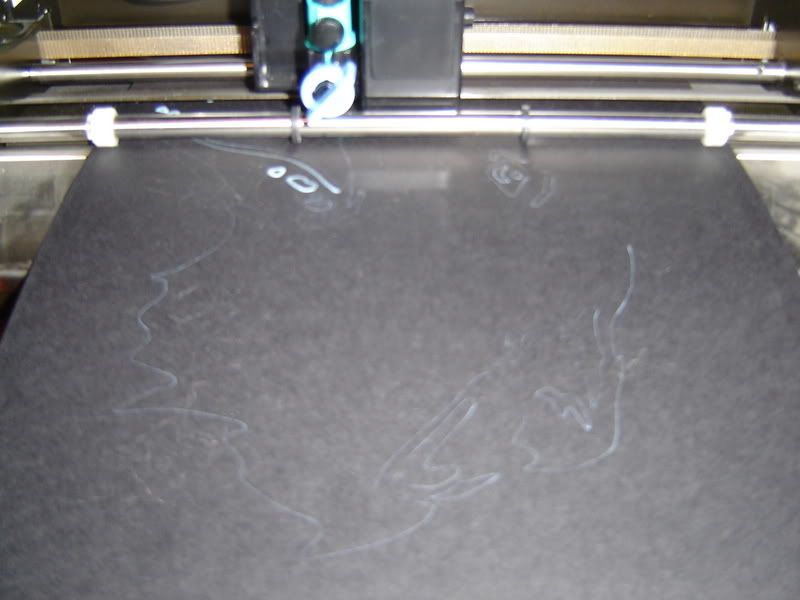
Apparently another Pen in Action Photo:

Photo Sharing and Video Hosting at Photobucket

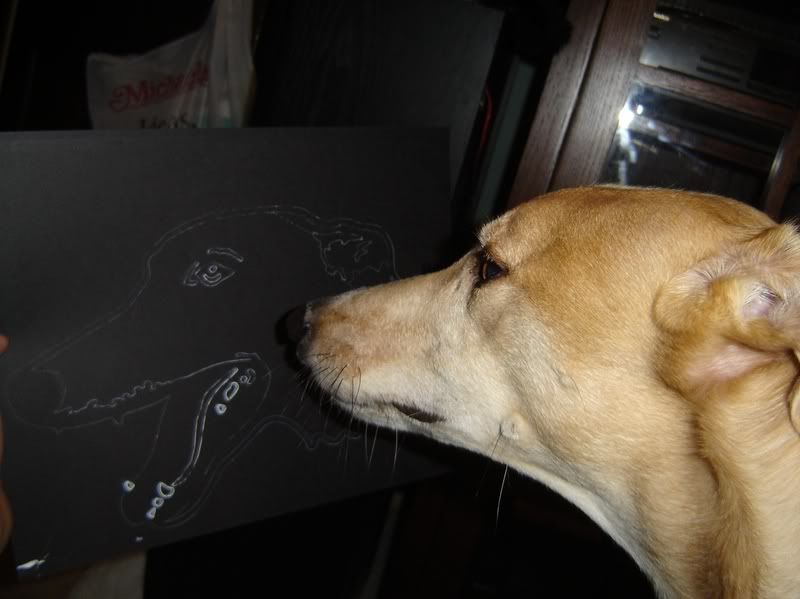
This is Lucy admiring the finished product!!! :smiles:

Photo Sharing and Video Hosting at Photobucket